












For a Host
Full Control for the Modern Game Admin
Create games, gate your designated zone, manage approvals and waitlists, and keep registrations, messaging, and standings moving without friction.
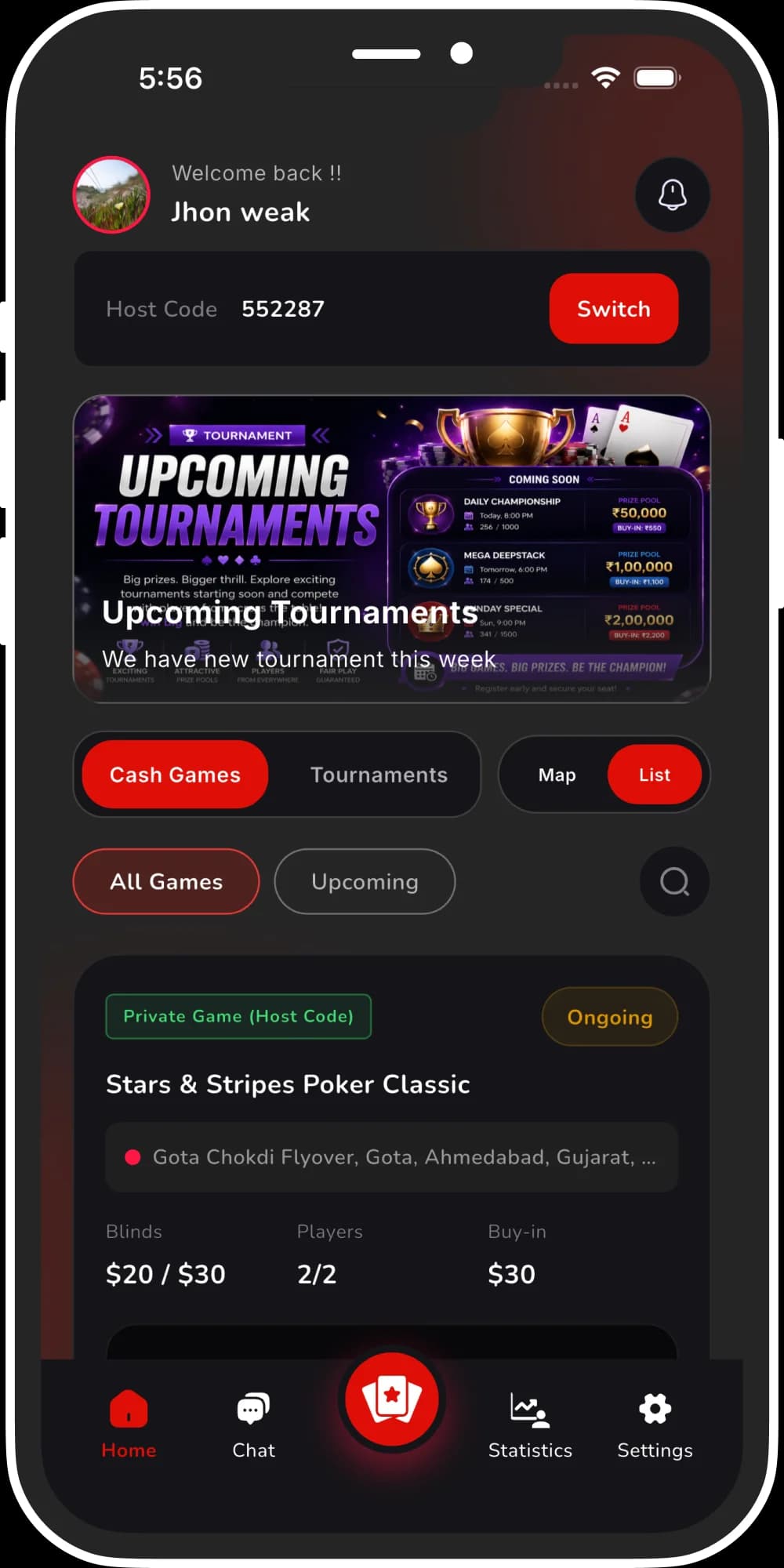
Host Code Private Zone
Create private game rooms that stay hidden from public browse. Share a unique Host Code with invited players only. Until that code is entered, location and table details stay locked. Run invite-only home games with full control over who sees your floor.

Private Rooms
Hidden from public browse

Host Code
Unique invite-only access
Player approval and waitlist
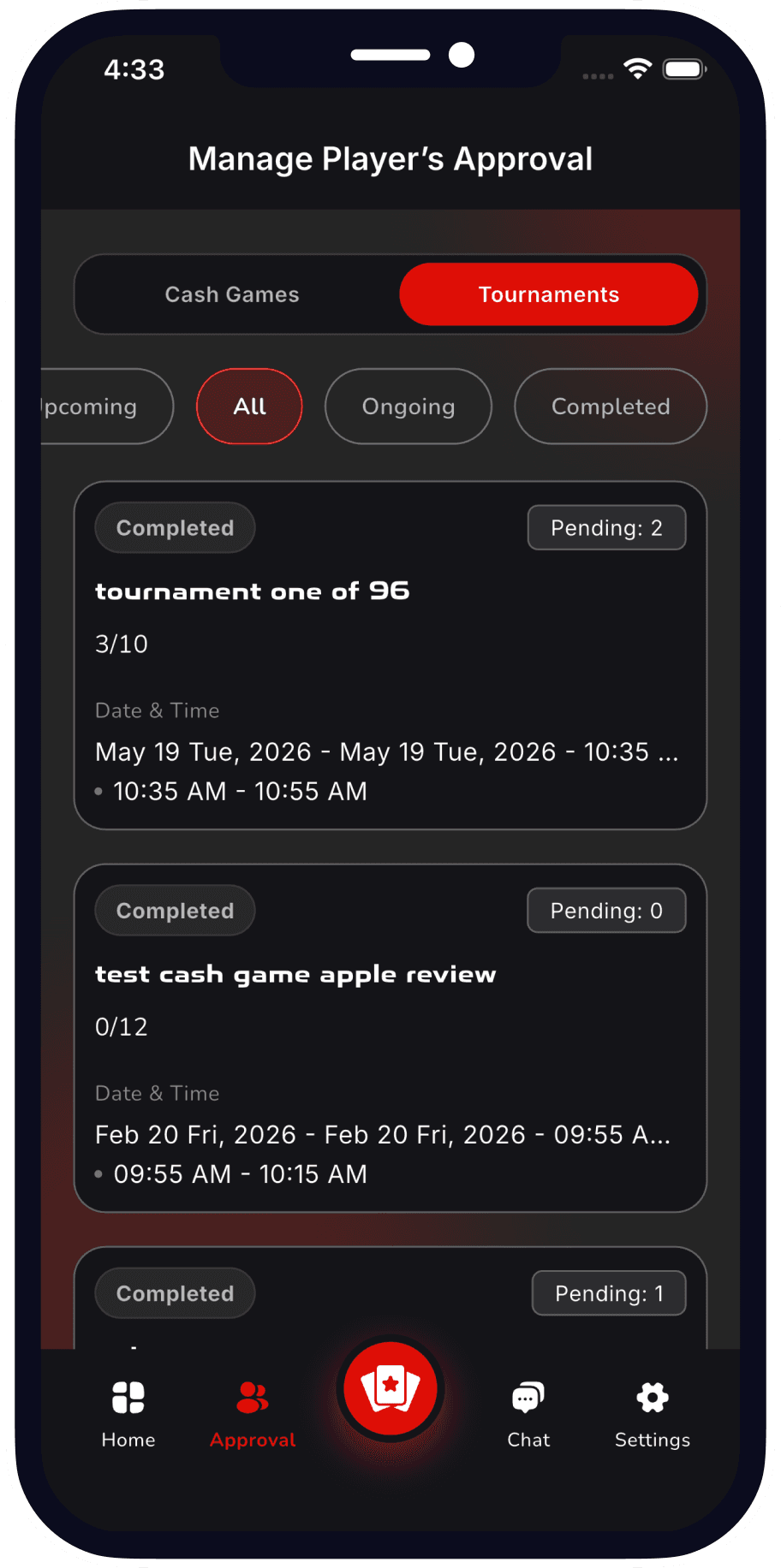
Players request a seat; hosts approve or decline before anyone joins the table. When a game fills up, new signups move to the waitlist automatically. Open seats can go to waitlisted players as spots free up. You stay in control of who plays—and the queue stays fair.
Player Approval
Review requests before they join
Automatic Waitlist
Queue fills open seats as they clear
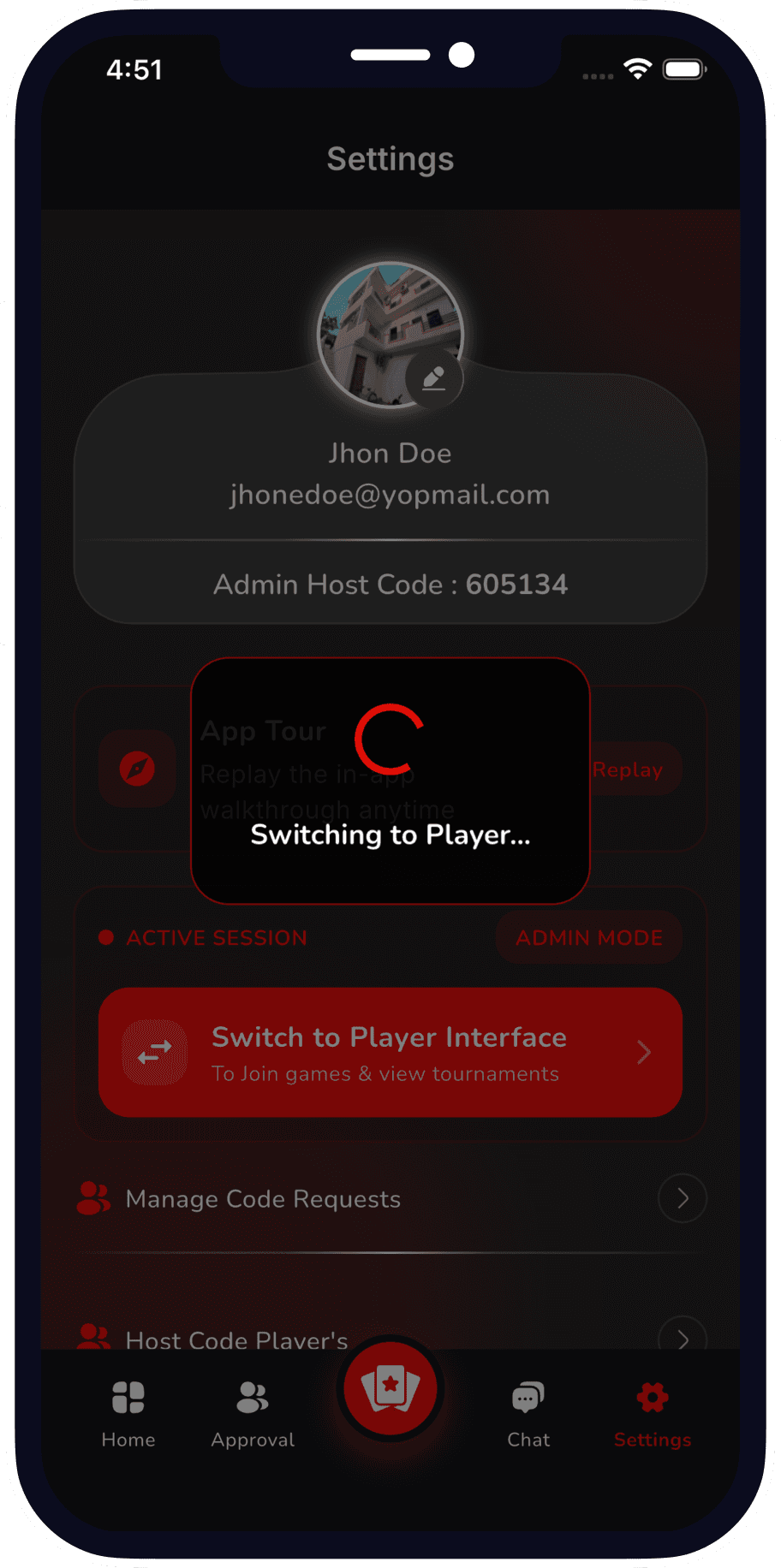
Dual-Role Mode Switch
Switch between Game Admin and Player in one tap. Run cash games and tournaments in Admin Mode, then flip to Player Mode to join tables — same account, no second login.
Run Games
Admin Mode for cash games and tournaments
Join Tables
One-tap switch to Player Mode with one account